(Friday, May 30th, 2008)
When you have a web site, it becomes quite common that some people feel so easy to just borrow your images that they do not even take the time to make a copy on their own web site. Not only do they use your artwork, but they also use the bandwidth you paid for.
Normally, there is a solution. You can modify slightly your website to ensure that if this happens, the image served is not the original one, but a modified one (either a big red X, or a message to the reader). But it is a little difficult to do by hand. A wbe site tool comes handy for this: HTMLbasix - Htaccess Disable Hotlinking Code Generator.
Find more stories in Art, Blog, HTML and CSS, Internet, Liberties, Photo, Photo & Graphics, Security, Use your D-SLR, Web sightings
(Saturday, April 12th, 2008)
Some people have been telling me: “You blog! That must take a lot of time and you must be there each and every day”.
Don’t worry, I may post something on Roumazeilles.net every day, but it does not mean that I am in front of the keyboard every day. Far from it. I am using one small advantage of WordPress (the software package supporting my web site). I can write posts and schedule them for future publication.
That way, I have no limit to my inspiration. For example, I have currently scheduled weekly posts about optical illusions for the coming 6 months, a full week of feline-related news (daily posts next week), a full week of daily videos titled “when XXXXX get bored” in a couple of months.
Find more stories in Blog, Create a web site, HTML and CSS, New web site, Optical illusion, WordPress
(Tuesday, April 8th, 2008)
The age-old Acid3 test is a small (but challenging) test of the compatibility of web browsers. Very few of them are able to even display something remotely similar to the expected result. But things changed a lot recently with a few important news:
- On March 26, Opera was announced to be the very first browser to succeed to obtain a 100/100 or 100% test score.
- Safari 3.1 is the first non-beta release of Safari for Windows (usually Safari is available on Mac OsX). While it is still unfinished, it reached the imposing 100% score only a few days after Opera.
- Internet Explorer 8 which is still in closed beta has been said to be able to pass the test, then not to, then again. It seems that Microsoft has the code for a 100% score but feels it should not be the default operation of its future browser.
Reference: The Acid3 test page.
Find more stories in HTML and CSS, Internet
(Saturday, March 22nd, 2008)
I just discovered (I have to admit that I had not to look very far) a small feature of the Opera browser (from version 9): the voice interface. This is fascinating, Opera accepts voice commands and can read the contents of a web page.
You have to first install a small add-in module (that is immediately downloaded from the Internet and available from a button in the icon bar of Opera) to reach these features. After a few seconds or minutes, the Internet user will be able to use his or her browser by pressing on a key to start the browser listening to your orders. Simple: Insert key, Baby open page, Insert key, and a new page opens. You must keep a relatively good American English accent, but it works quite well (even with a lot of background noise).
On the other side, you can request Baby read to listen to Opera reading the first lines of the page or the selected paragraph you previously selected.
Nota bene: I told Opera that I prefered to use Baby as a prefix to all commands rather than the bland Opera prefix; I find this cuter.
A feature that you must try too. In a free browser of very high quality.
Find more stories in HTML and CSS, Internet, Tech
(Sunday, December 9th, 2007)
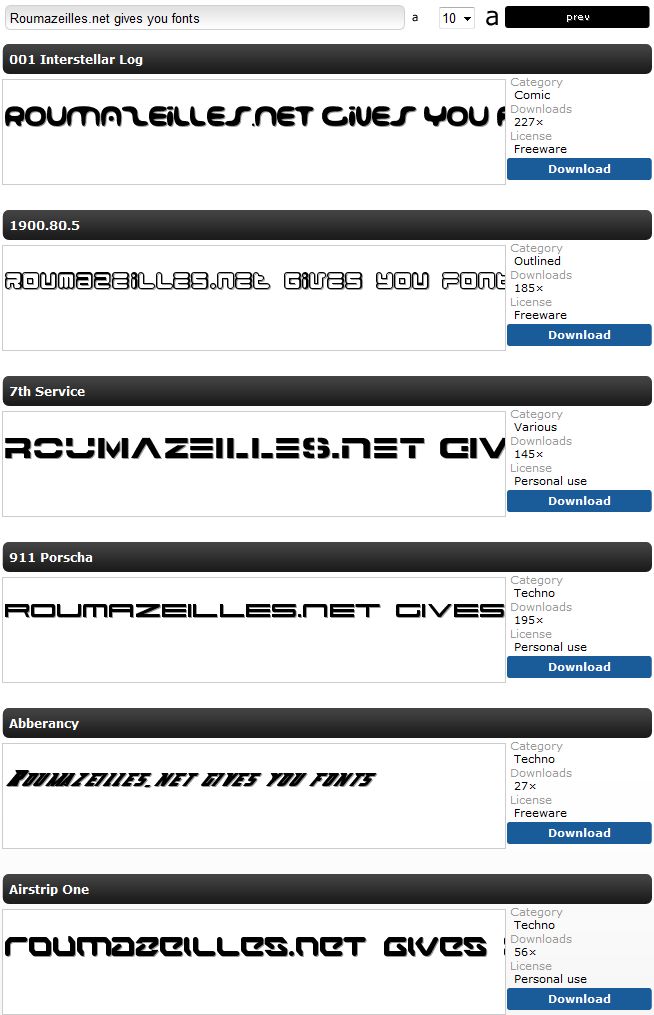
The design of a web site is notoriously opposed to the use of rich and varied fonts: You are strongly invited to stick to the small list of common fonts. Unfortunately, this is not always enough. If you already started exploring alternatives like text-in-GIF-images, have a look at this hackzine article: HOWTO - Use rich fonts in your web design.
Find more stories in Blog, Create a web site, HTML and CSS, New web site, Web sightings, WordPress
(Monday, October 8th, 2007)
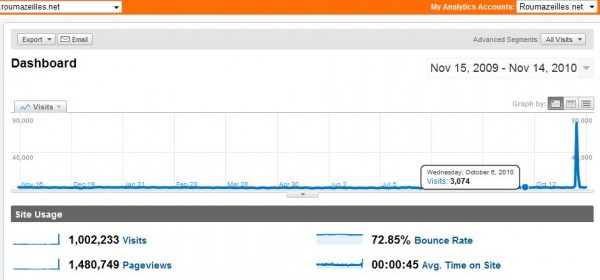
You have a web site, you want to see its traffic growth (it appears that this is the number one way web site creators spend their time: They track each and every little traffic change with stat tools). I offer you here a frighteningly long list of ways to satisfy your worst statistical perversions.
Fifty ways to track website traffic
Find more stories in Blog, Create a web site, HTML and CSS, New web site, Web sightings, WordPress
(Sunday, July 29th, 2007)
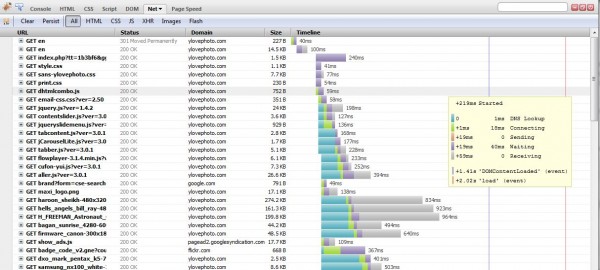
As the most attentive of the readers will have noticed, there was a minor change to the layout of the web site. It should improve slightly the overal performance and it will allow further evolutions that may be appreciated later.
If you find some technical difficulties with your browser (it shouldn’t be the case, of course), please, feel free to comment about it.
For those most technologically inclined, let’s just say that without seriously changing the appearance, we went from template a fully based upon HTML tables to a CSS-based template. Many of the layout elements are now moved into the CSS sheet and this explains the performance gain.
Find more stories in Blog, HTML and CSS, Uncategorized
(Sunday, June 17th, 2007)
To all the readers that are interested in keeping in touch with us without even the effort to visit us every day, there are two options that you should keep in mind:
Using the RSS feed for the web site. You need to have an RSS reader (one is included in recent versions of Safari, FireFox, Opera and Internet Explorer; Several autonomous specialized software programs exist; BlogLines, Google, AOL and others offer such services -See the Add-To category in the let-hand-side column). It has the advantage of using a now-common interface symbolized by the
logo: You can keep in touch with several web sites at the same time and you are informed any time something new is published.
- If you prefer to receive an email each time some new article is posted, you can use the RSSFWD tool. it reads the RSS feed and sends you an email to inform you. Just go to http://www.rssfwd.com/ and give the following feed URL:
http://www.roumazeilles.net/news/en/wordpress/feed/, the service will work in a matter of seconds.
While I’m on the subject of RSS feeds, let me offer a link to the RSS toolbox of Mashable. It gives information about 120+ ressources (readers and utilities) useful to RSS lovers.
Find more stories in Blog, HTML and CSS, Lists, Tech, Web sightings, Word processor
(Monday, May 28th, 2007)
It is well known that the human brain has pattern matching capabilities much further advanced than those of the best equivalent software programs. This explains that failure rates of OCR (Optical Character Recognition) program may be as high as 1% (or even 2%) of errors, which is requiring later human proof-reading to ensure a reasonable quality for document scans. But when the document is old, badly printed, or degraded, error rates may climb further into the unusable (even more so when we address the scan of thousands of documents like is done by libraries and cultural institutions all over the world).
On another issue, the SPAM problem on the Internet became a major problem: Prorams try to make believe that they are human beings in order to insert advertisment anywhere a user can write (in the messages of a forum, in the comments of a blog, etc). For some time now, it became common that human users must identify themselves by their capacity to recognize a badly written word. Theoretically, this is a very efficient Turing test allowing to differentiate a human from a machine only by the results of their actions. Practically, the abilities of software programs have become so impressive that SPAM is slowly coming back again through those filters named CAPTCHAs (those images that you must read and copy back in order to be identified and approved for a specific action).
The problem appears to be: create CAPTCHA tremendously difficult for the automated software and, simultaneously, bring human beings to the task of checking scans of documents difficult to read by program.
The solution: reCAPTCHA.
The idea is to provide a CAPTCHA service to thousands of bloggers and forum administrators (WordPress, phpBB, etc.) Users are invited to recognize two words specifically difficult to read (profesional OCR programs failed during scans done by Carnegie Mellon University). The user must recognize them both. One is used to check that this is a human being, the other will fill a database of OCR translations that will be used to deliver even more CAPTCHAs and to improve the quality of a document scanned by Carnegie Mellon. Dual core technology: efficiently fight spammers and deliver millions of human users to improve the scan quality of thousands of ancient documents (without using slave labor).
Example of a difficult to read/scan document:
One of the key advantages is that most pro OCR programs can tell when they fail to recognize a character or a word (when they are not confident enough).
Find more stories in Art, Blog, Books, Create a web site, Culture, HTML and CSS, New web site, PHP, SPAM, Sciences, Security, WordPress, bbPress
(Monday, April 30th, 2007)
This is a delicatessen reserved for HTML- and CSS-loving palates. It could be helpful to some CSS developers : in an article titled “Really undoing HTML and CSS“, Eric Meyer offers a CSS file that undo all default values preset by the default interpretation of HTML by some browsers.
As a matter of fact, some additional explanations may be useful and they can come from another article written by Richard Rutter: “Resetting default padding and margin“.
Additional thoughts from Eric Meyer on the same issue:
For HTML and CSS specialists.
Find more stories in HTML and CSS
(Saturday, April 21st, 2007)
When, as I do, you want to include some bits and pieces of software code in a WordPress post, it starts to become a serious headache. As a matter of fact, WP has not really been prepared for this and it creates a number of issues. Those I already encountered here:
- The <?php tend to disappear (unless you start juggling)
- Some charcaters would not display at all (or badly)
- The overall presentation is pretty bland if you use <code>
So, I looked for a plugin (nearly everything in WordPress is done by adding on of those marvellous little code gems that can be included in a few seconds into the basic configuration) adapted to this task, easy to install (I don’t want to be stuck with heavy maintenance just for this), easy to use.
Here is the summary of what I checked and my opinion regarding them.
(more…)
Find more stories in Blog, Create a web site, HTML and CSS, Java, New web site, PHP, WordPress
(Thursday, April 5th, 2007)
Find more stories in Advertising, HTML and CSS, Internet, Java, Legal downloads, PHP, Tech